
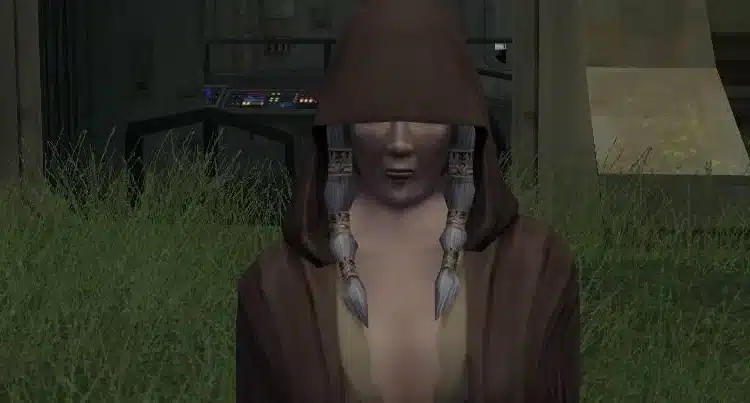
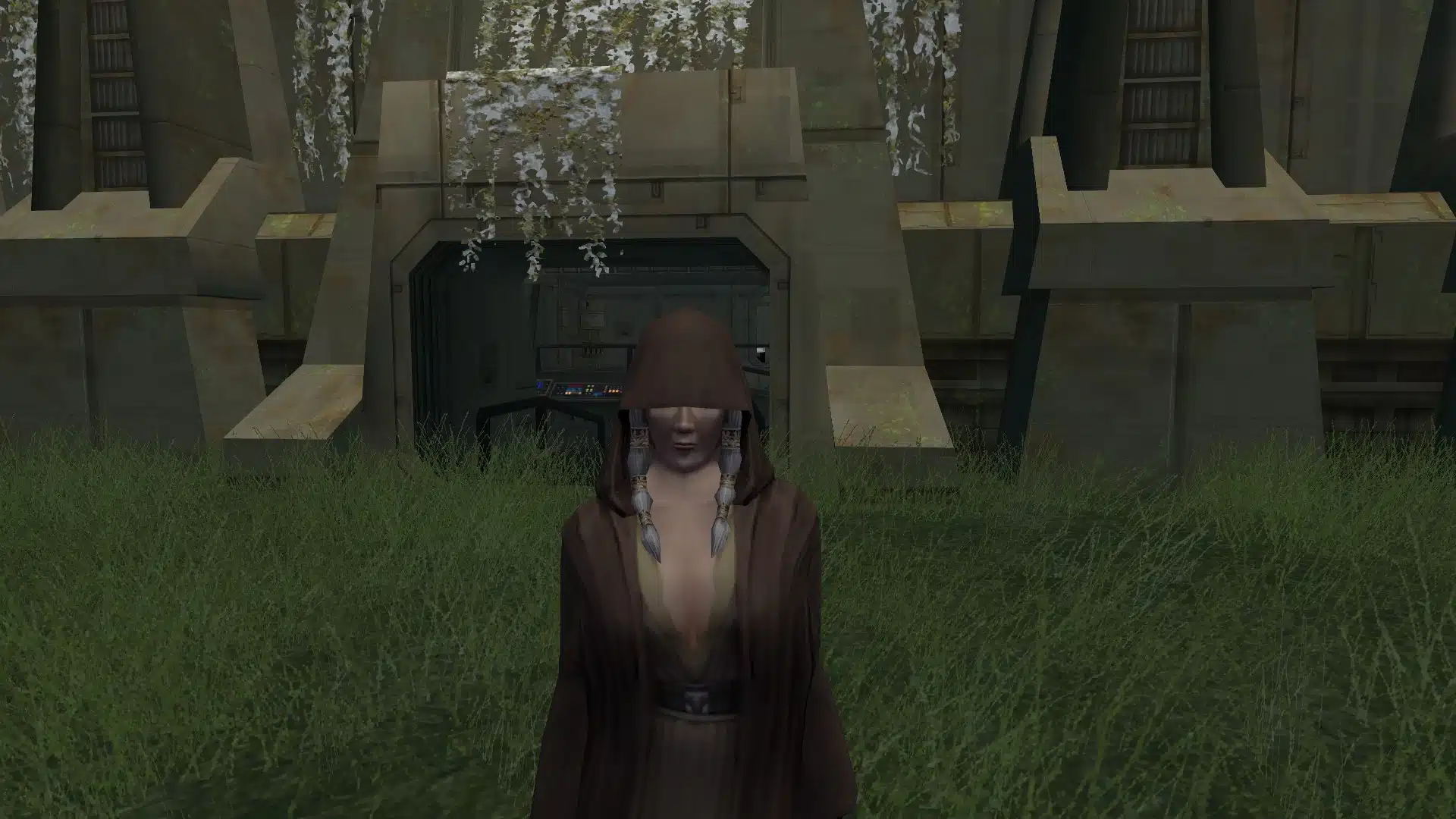
KOTOR II: The Sith Lords is full of iconic characters, but Kreia has always been… let’s say aggressively unglamorous compared to most of the game’s female cast.
That’s exactly what the “Hot MILF Kreia” mod aims to change.
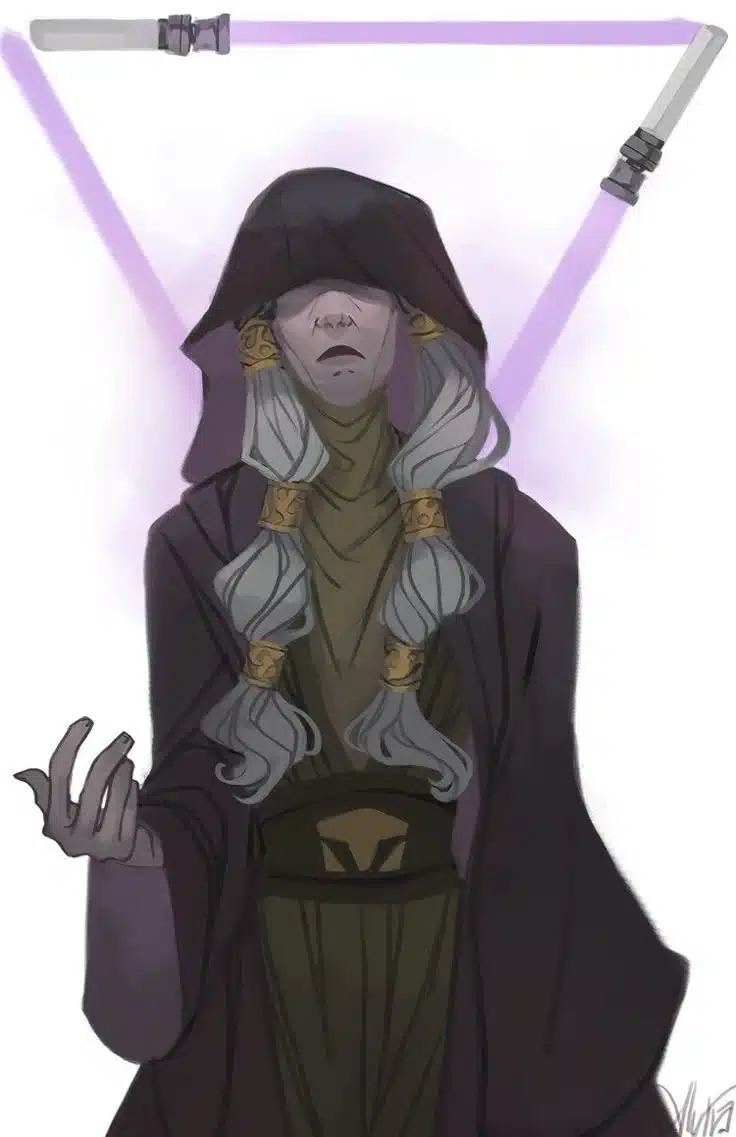
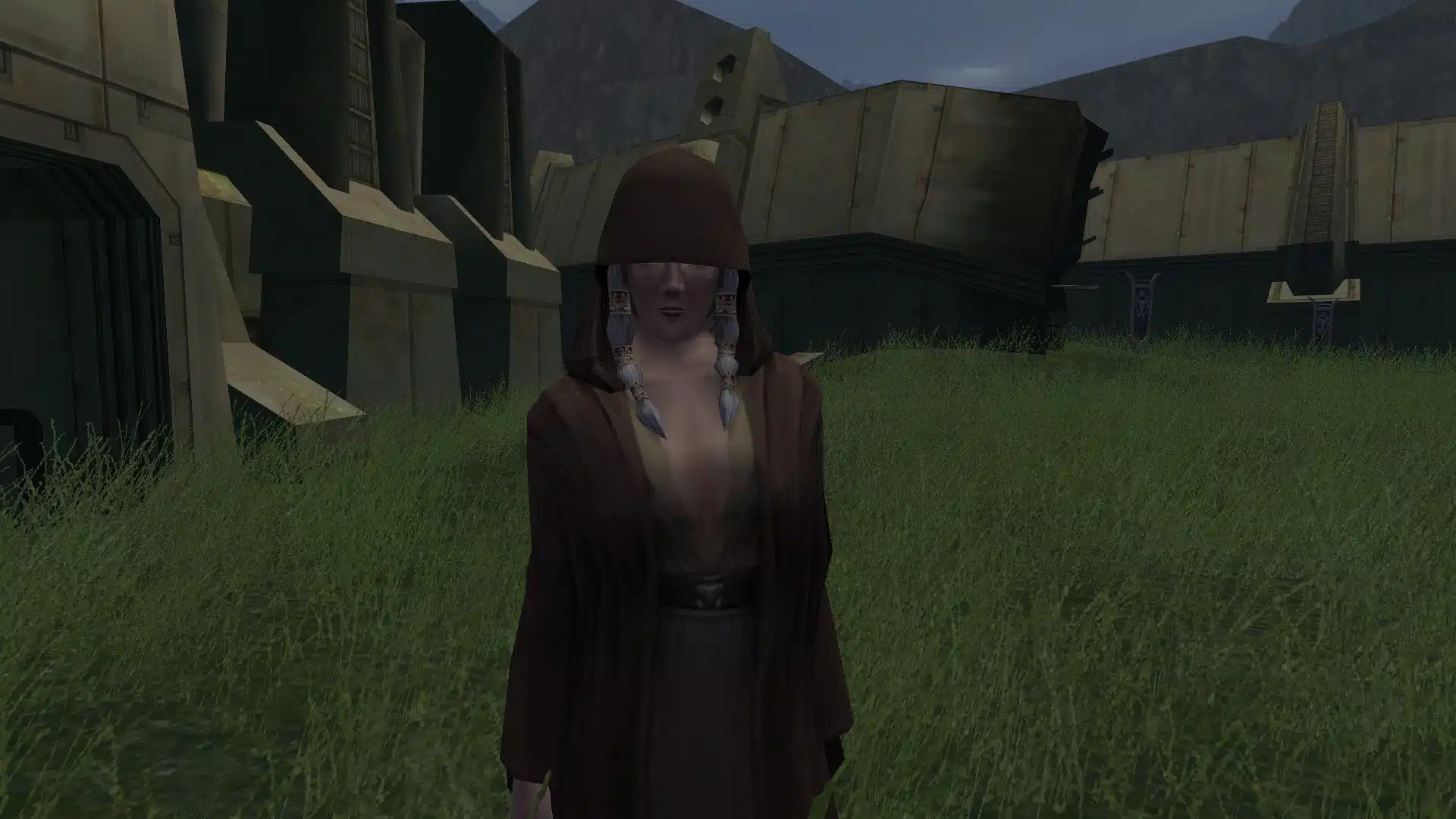
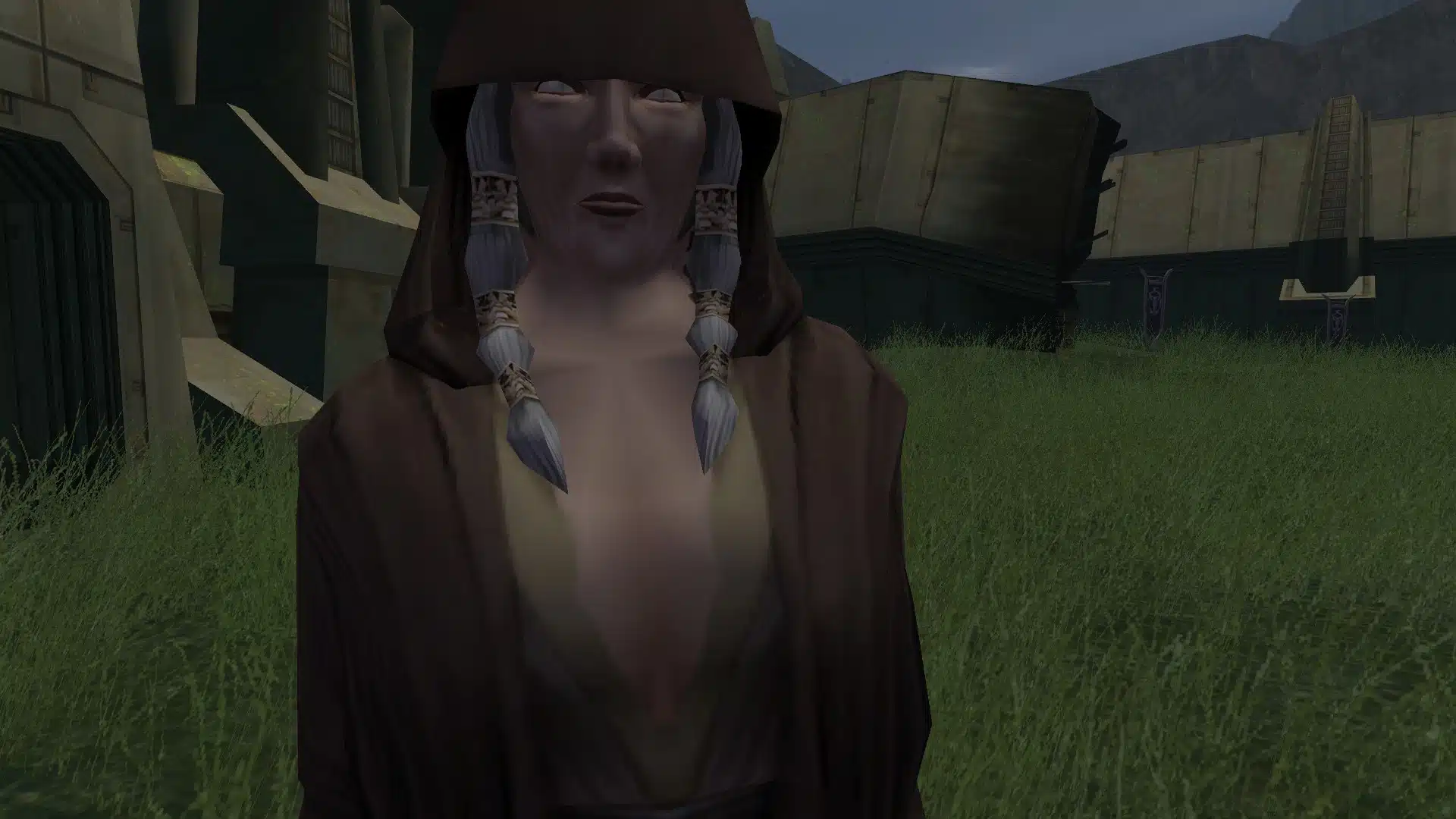
It’s a straightforward visual reskin that gives Kreia a more attractive and “modernized” look—without touching her dialogue, personality, or story role (which is good, because Kreia is still going to roast you no matter how good her textures look).
Quick Facts
Mod name: Hot MILF Kreia
Game: Star Wars: Knights of the Old Republic II – The Sith Lords (TSL)
Mod type: Character reskin / texture replacement
NSFW: Mildly suggestive (visual style), not explicit
Affects: Kreia appearance only
Install location: Override folder
Install difficulty: Easy
Download: Nexus Mods
What This Mod Does (And Doesn’t)
This mod is as simple and clean as KOTOR modding gets.
What it does
- Replaces Kreia’s textures to give her a sexier / more attractive appearance
- Makes her fit better visually with other “enhanced” female character looks in TSL
- Works as a drop-in texture replacement
What it doesn’t do
- No new armor or clothing models
- No head model swaps (unless the mod includes one—most reskins don’t)
- No changes to Kreia’s story, alignment, or dialogue
- No gameplay effects
So yes: Kreia still judges you. She just does it with better skin textures.
Install TL;DR
- Download the mod
- Extract the files
- Drop the files into your:
...\Knights of the Old Republic II\Override\ - Launch the game and load a save where Kreia is present
- If another Kreia texture mod is installed, expect conflicts—pick one
Installation Guide (Step-by-Step)
1) Download and unzip
Grab it from Nexus and extract the archive with 7-Zip or WinRAR.
2) Copy files to Override
Move the included files into:
KOTOR2\Override
That’s it.
No installers, no patchers, no drama.
Compatibility Notes
Texture mods are usually friendly—but KOTOR II has one big rule:
If two mods overwrite the same file name, only one wins.
Works well with
✅ Most KOTOR II gameplay mods
✅ Restored content / dialogue mods
✅ Weapon and VFX mods
✅ Other companion reskins (as long as they don’t touch Kreia)
Possible conflicts
⚠️ Any other mod that edits Kreia’s face/body textures
⚠️ Any mod that replaces Kreia’s head model or appearance.2da settings
Best practice: Keep only one Kreia reskin active at a time.
Common Problems (And Fixes)
Kreia looks unchanged
Most likely cause: files didn’t go into the correct Override folder.
✅ Fix:
- double-check the exact path
- confirm the files are directly in Override (not inside a nested subfolder)
Kreia looks weird / textures mismatched
Cause: another mod is overwriting part of the textures.
✅ Fix:
- remove other Kreia-related texture files
- reinstall this mod clean
Game crashes when loading
Very unlikely for a texture-only mod, but possible if something is corrupted.
✅ Fix:
- verify game files
- re-download mod
- test with only this mod enabled
More KOTOR II Mods You’ll Want Installed
If you’re already tweaking Kreia’s look, odds are you’re not stopping there.
KOTOR II is one of those games where you install one mod… and suddenly you’re three hours deep in your Override folder like it’s a full-time job.
Here are a few KOTOR-related mods we’ve covered that pair nicely with this one—whether you’re upgrading character visuals, restoring cut content, or just going full “modded TSL experience”:
If you’re upgrading companions overall, pair this with the HQ Companion Face & Hair Texture Overhaul
- If you want more character-focused upgrades, check out the Prestige Classes Visas Marr mod
- More content restoration goodness: Restore Atton Dialogue + Astronavigation mod
- For bigger mod projects: “KOTOR 3 Lives (Sort Of)” – Revenge of Revan
- And if you want the pure “because modders can” vibe: Fallen Jedi floating lightsabers mod
FAQ
Is Hot MILF Kreia an NSFW mod?
Not explicitly. It’s a visual reskin that makes Kreia look sexier, but it doesn’t add nudity or explicit content (at least as described).
Does this mod change Kreia’s dialogue or story?
No. It’s cosmetic only.
How do I install it?
Drop the mod files into your KOTOR II Override folder.
Can I use this with other Kreia mods?
Only if they don’t edit the same textures. Most Kreia appearance mods conflict with each other.
Conclusion: Kreia, But With Extra Texture Budget
This mod exists for one simple reason: Kreia deserved the same “glow up” treatment that half of TSL’s character reskin scene already gave everyone else.
If you’re building a modernized KOTOR II visual setup—and especially if you’re already using companion HD texture overhauls—Hot MILF Kreia fits right in with minimal effort and zero scripting headaches.
Just drop it into Override, load your save, and let Kreia judge you in high(er) definition.
Stay connected with the galaxy’s latest updates!
Follow us on X, Facebook, Instagram, or Pinterest for exclusive content, mod guides, Star Wars gaming news, and more. Your support helps keep the Holonet alive—one click at a time.
Author
Related Posts

Lucasfilm Games Relaunched 5 Years Ago Today — and It Quietly Changed Star Wars Gaming Forever-
Farewell to Michael Henbury, the Ewok Who Helped Bring Return of the Jedi to Life 
Two New Key Operations Just Dropped for Star Wars: Shatterpoint — and They’re Not “Just More Objectives”-
ANA’s C-3PO Star Wars Plane Has Been Officially Retired — End of a Flying Fan Favorite