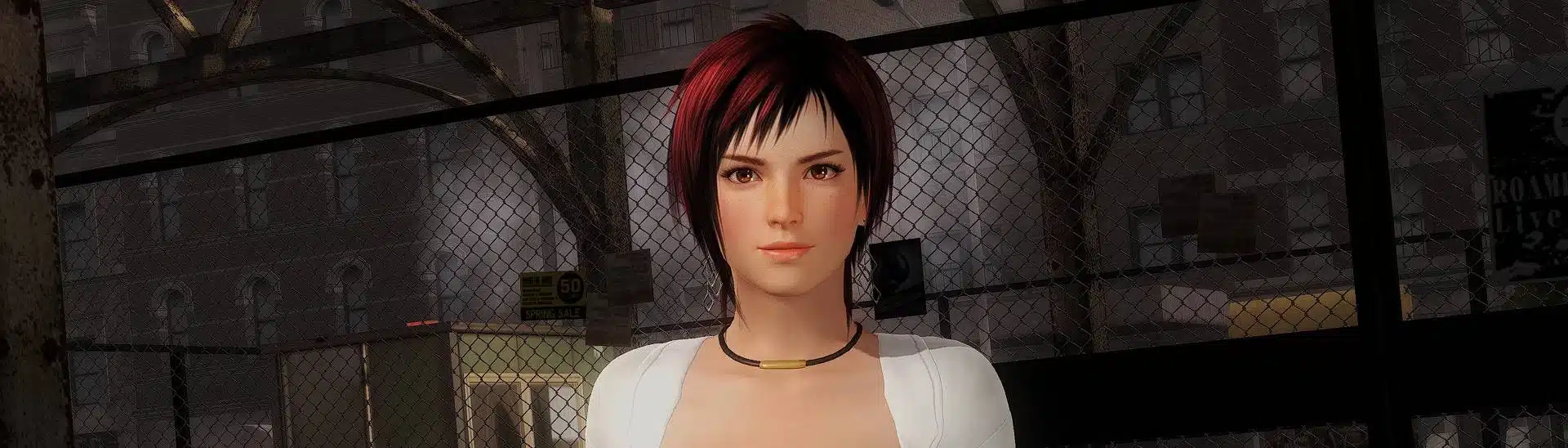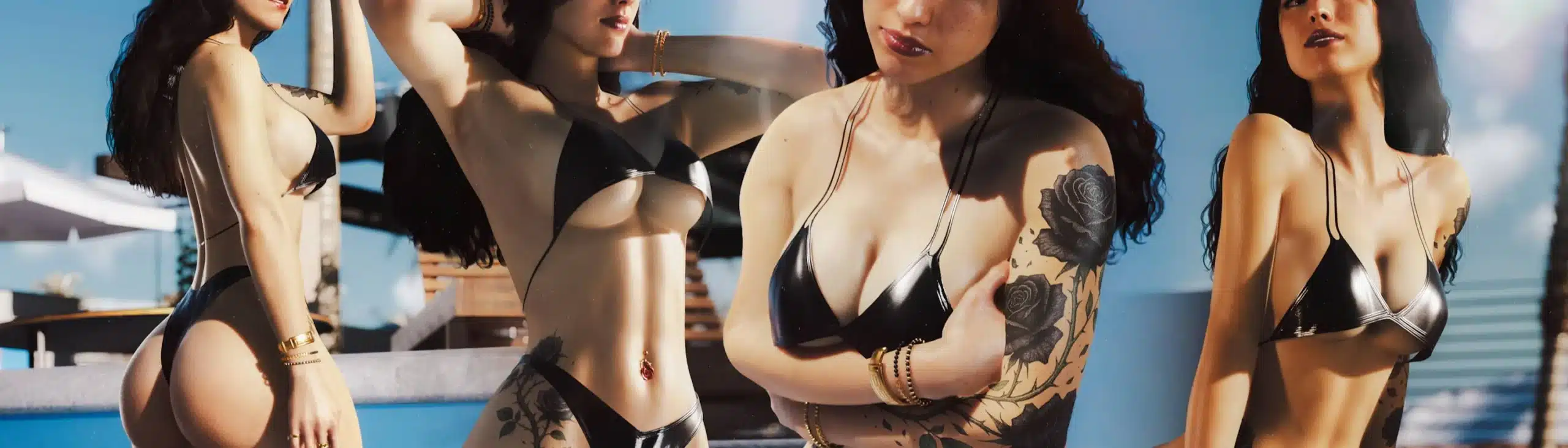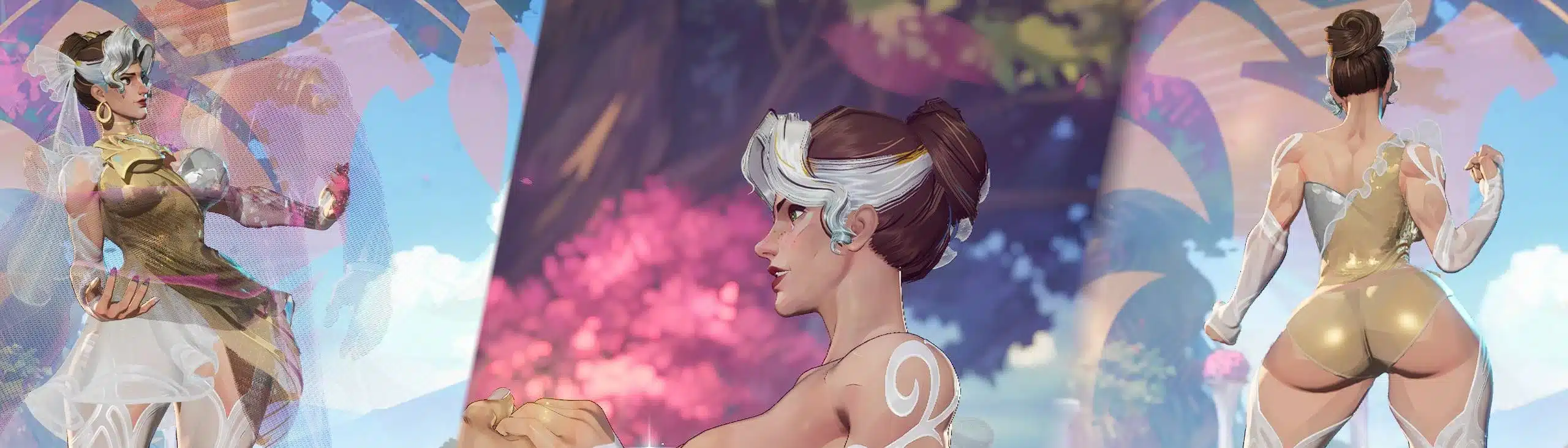
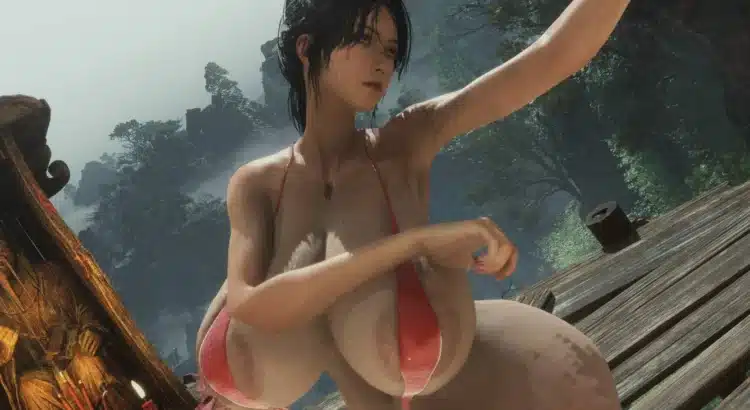
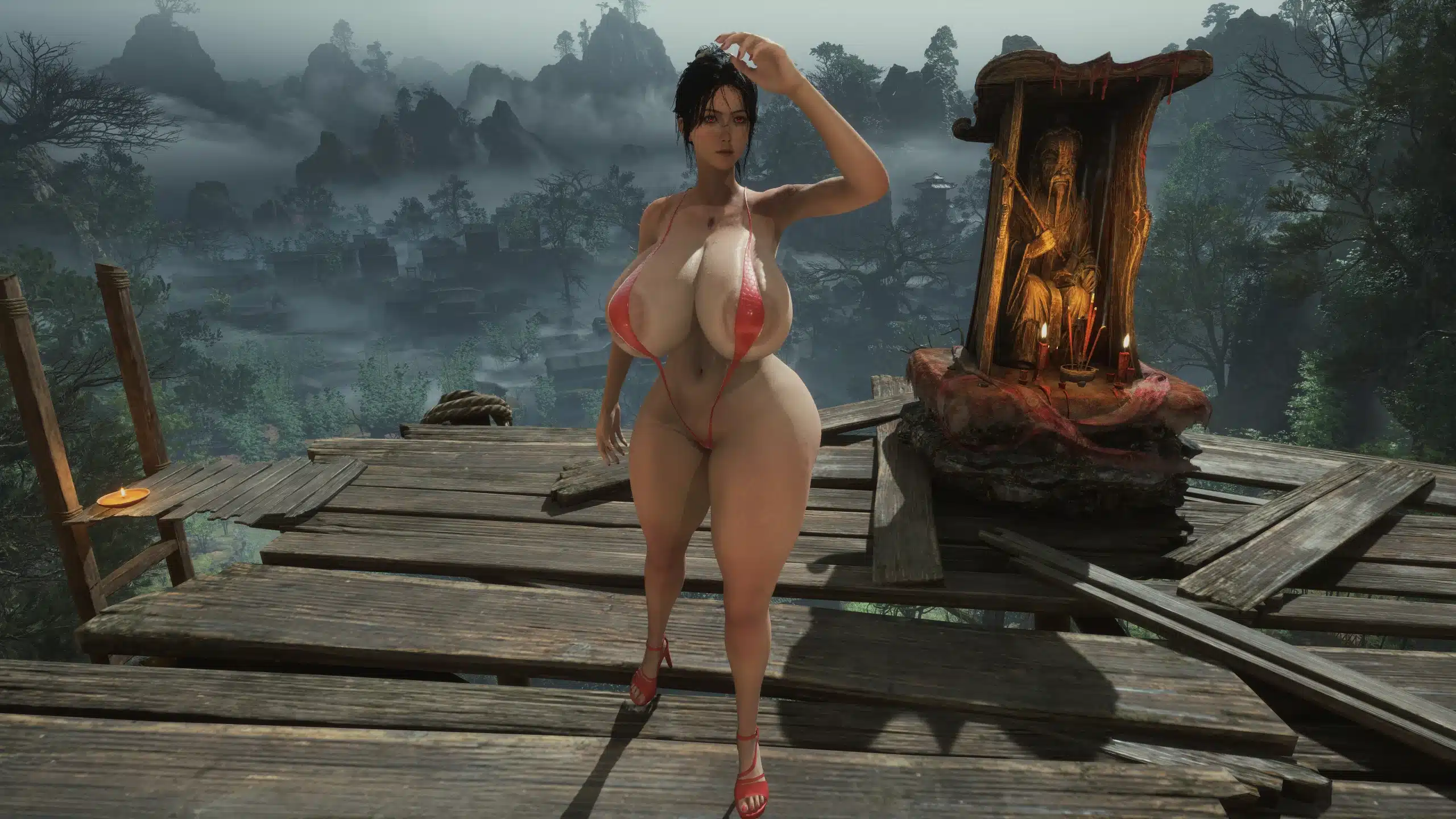
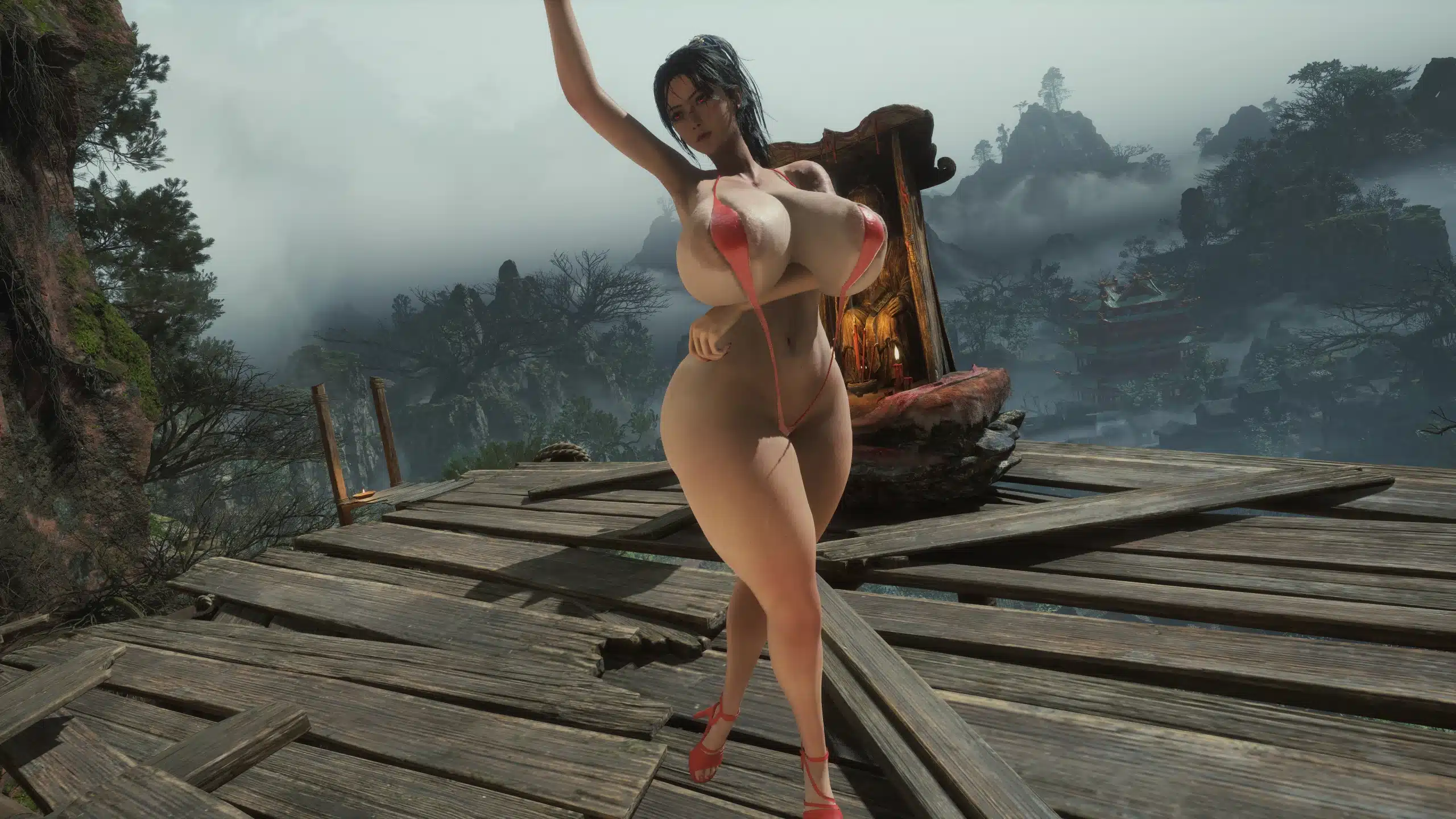
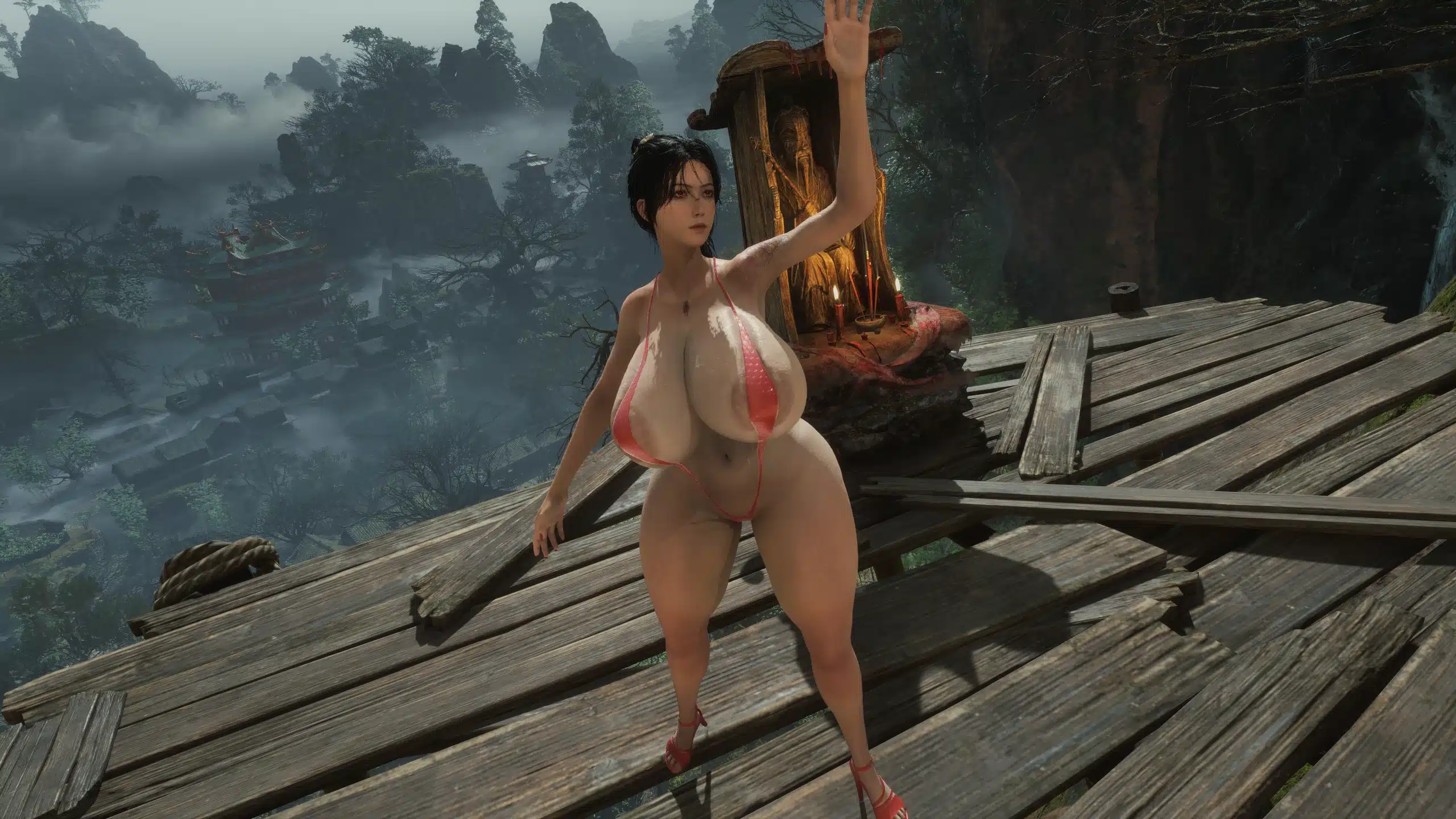
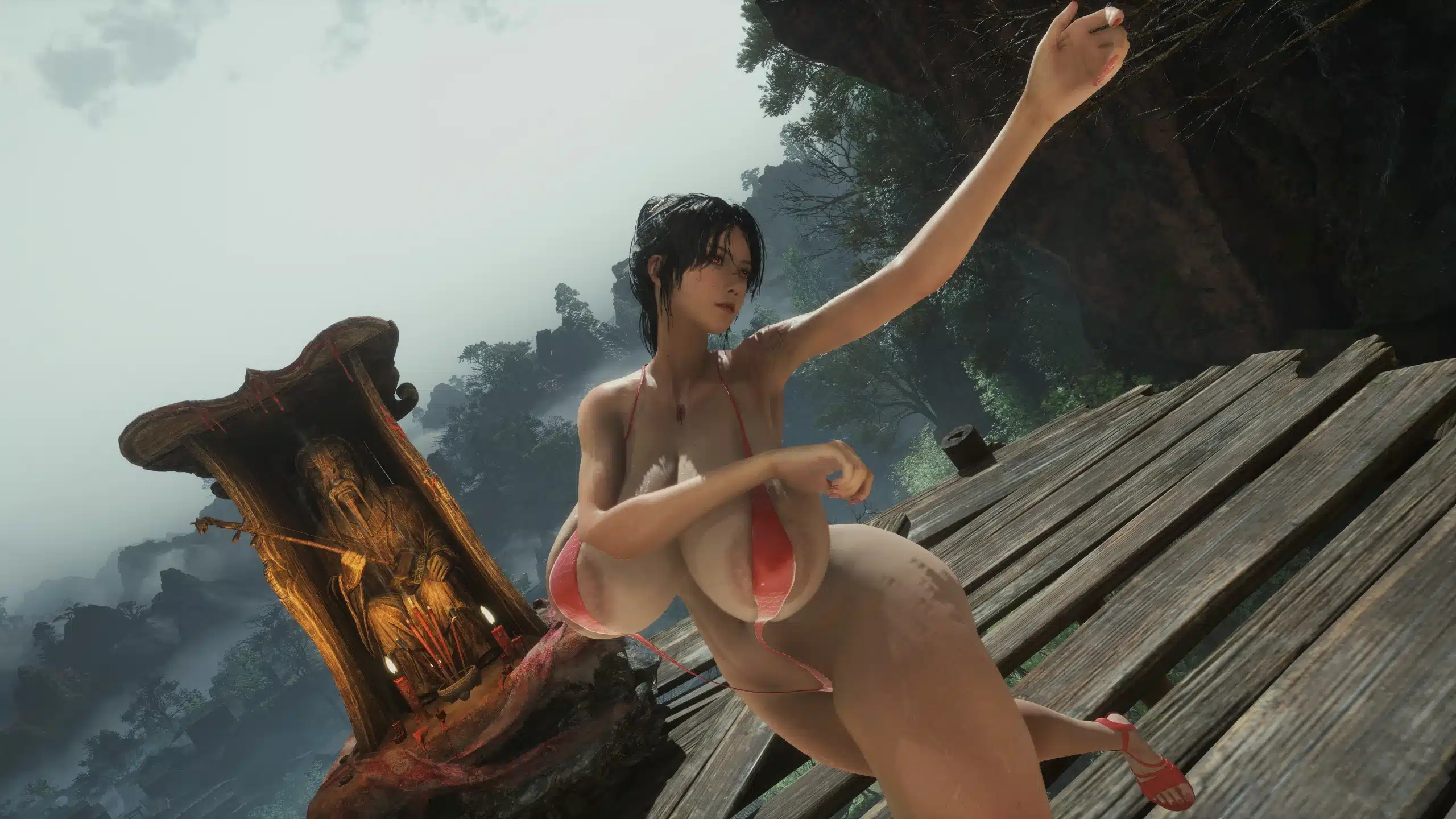
If your Wuchang: Fallen Feathers playthrough needs a little extra style (and a lot less armor), the Slingkini mod delivers exactly what it promises: a bold cosmetic outfit that swaps heavy battlefield gear for a sleek red slingkini designed to stand out during combat and exploration.
This mod doesn’t overwrite any vanilla armor, making it a clean, flexible addition to your load order. Instead, it works through the game’s costume system, letting you keep your stats intact while completely changing the visual presentation of your character. In other words, you can still fight like a warrior while looking like you stepped straight out of a modded character showcase.
A Cosmetic Upgrade Without Replacing Vanilla Gear
One of the standout features of the Slingkini mod is that it’s fully self-contained. Rather than replacing existing armor assets, it works as an optional costume overlay. That means your default gear remains untouched, and you can toggle into this outfit without breaking your character build or progression.
The outfit itself is a red slingkini-style costume created using the WCL tool, giving it full compatibility with the game’s transmog and costume systems. The result is a seamless visual swap that works naturally within the game’s engine rather than feeling like a crude replacement mod.
Before equipping the slingkini, you’ll need to transmogrify your gear into the Embroidered set. Once that’s done, the outfit will display correctly in-game and behave like any other cosmetic override.
Requirements You’ll Need Installed First
Like many advanced cosmetic mods for Wuchang: Fallen Feathers, this one relies on a couple of core modding tools. Make sure you have the following installed before trying to run the slingkini:
- Wuchang Mod Enabler Sig Bypass
- Wuchang Costume Loader (WCL)
These tools allow custom costumes and textures to load properly without conflicts or crashes. If you’re already modding the game, chances are you’ve got them installed. If not, they’re essential for getting this mod running smoothly.
Installation Guide
Getting the Slingkini mod up and running is quick and straightforward:
- Extract the Project_Plague folder directly into your game’s root directory.
OR - Extract the WCL_Costumes folder into:
Wuchang Fallen Feathers\Project_Plague\Content\Paks\~mods
Once installed, launch the game and ensure your gear is transmogrified to the Embroidered set before equipping the costume.
If everything is installed correctly, the slingkini should appear without replacing any base-game armor files.
Why Mods Like This Keep Wuchang Fresh
Cosmetic mods are a big part of what keeps single-player action RPGs alive long after release. While Wuchang: Fallen Feathers already delivers strong visuals and detailed character designs, mods like Slingkini push customization further and let players tailor their experience however they want.
Whether you’re taking cinematic screenshots, experimenting with character aesthetics, or just want something completely different from the default armor sets, this mod offers a simple but effective visual overhaul without complicating gameplay systems.
Because it’s self-contained and doesn’t overwrite vanilla files, it also plays nicely with most other mods — always a big plus for players running larger mod setups.
Credits
Huge thanks go out to the modding community and tool creators who make projects like this possible:
- Epic Games for Unreal Engine Editor
- Fmodel team for Fmodel
- Leenzee & 505 Games for Wuchang: Fallen Feathers
- FrancisLouis for Sig Bypass
Their tools and support keep the modding scene alive and evolving.
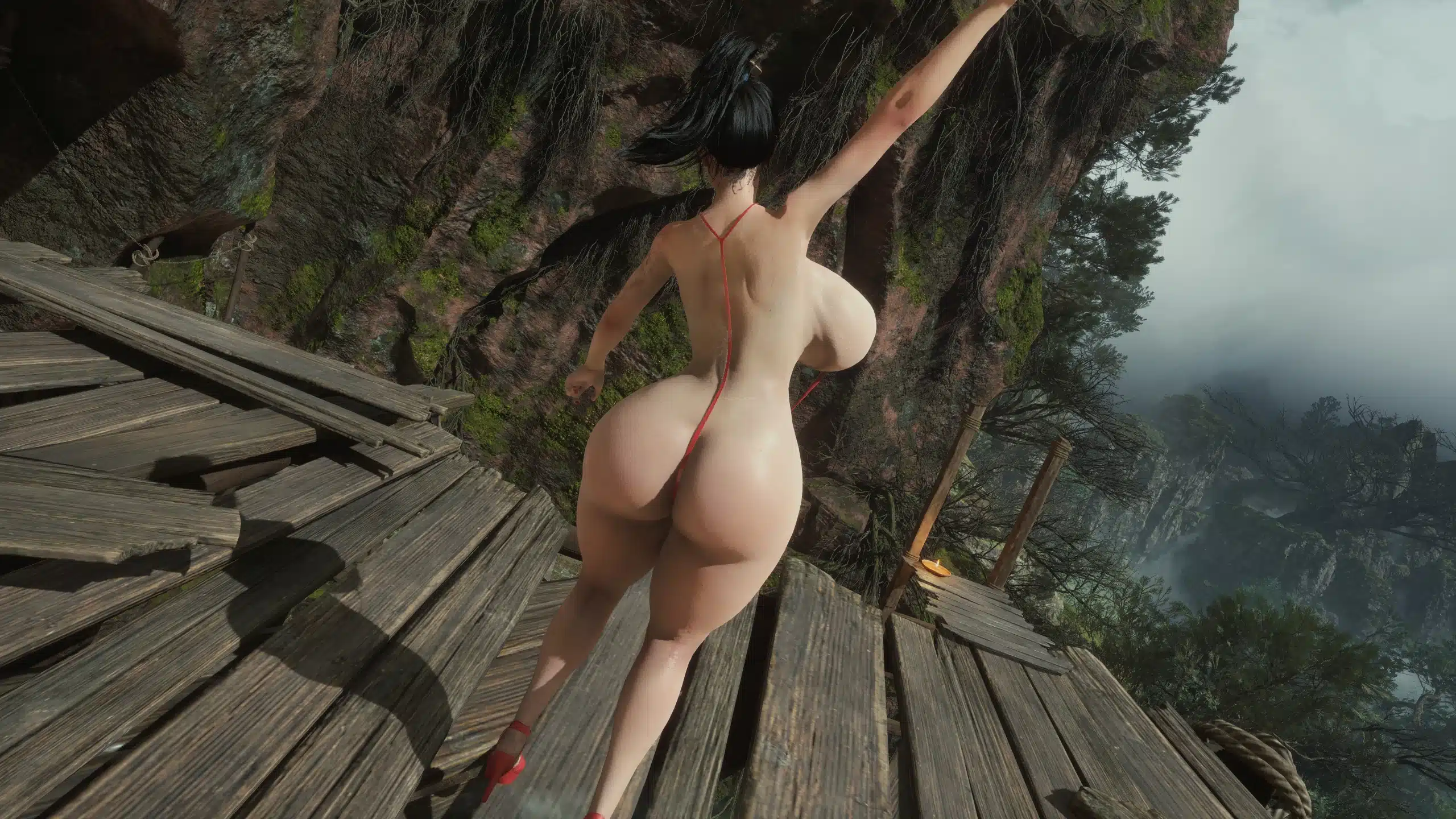
If you’re customizing your Wuchang: Fallen Feathers experience, this Slingkini mod is a quick and easy way to add a bold new visual option without breaking your load order. Install, transmog, and you’re good to go.
Stay connected with the galaxy’s latest updates!
Follow us on X, Facebook, Instagram, bsky or Pinterest for exclusive content, mod guides, Star Wars gaming news, and more. Your support helps keep the Holonet alive—one click at a time.