
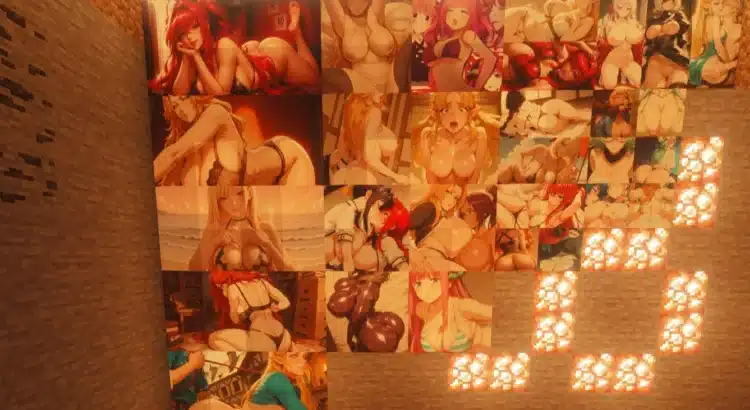
Minecraft has a lot of things.
Dragons. Redstone calculators. Villagers who somehow run an economy with 0 banks.
What it doesn’t have (vanilla) is… adult-themed wall art.
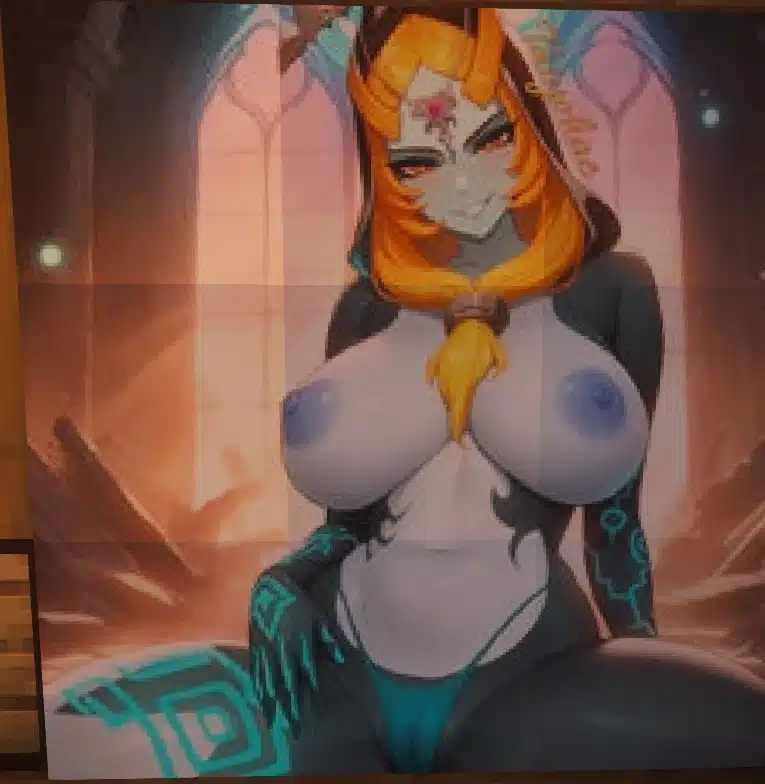
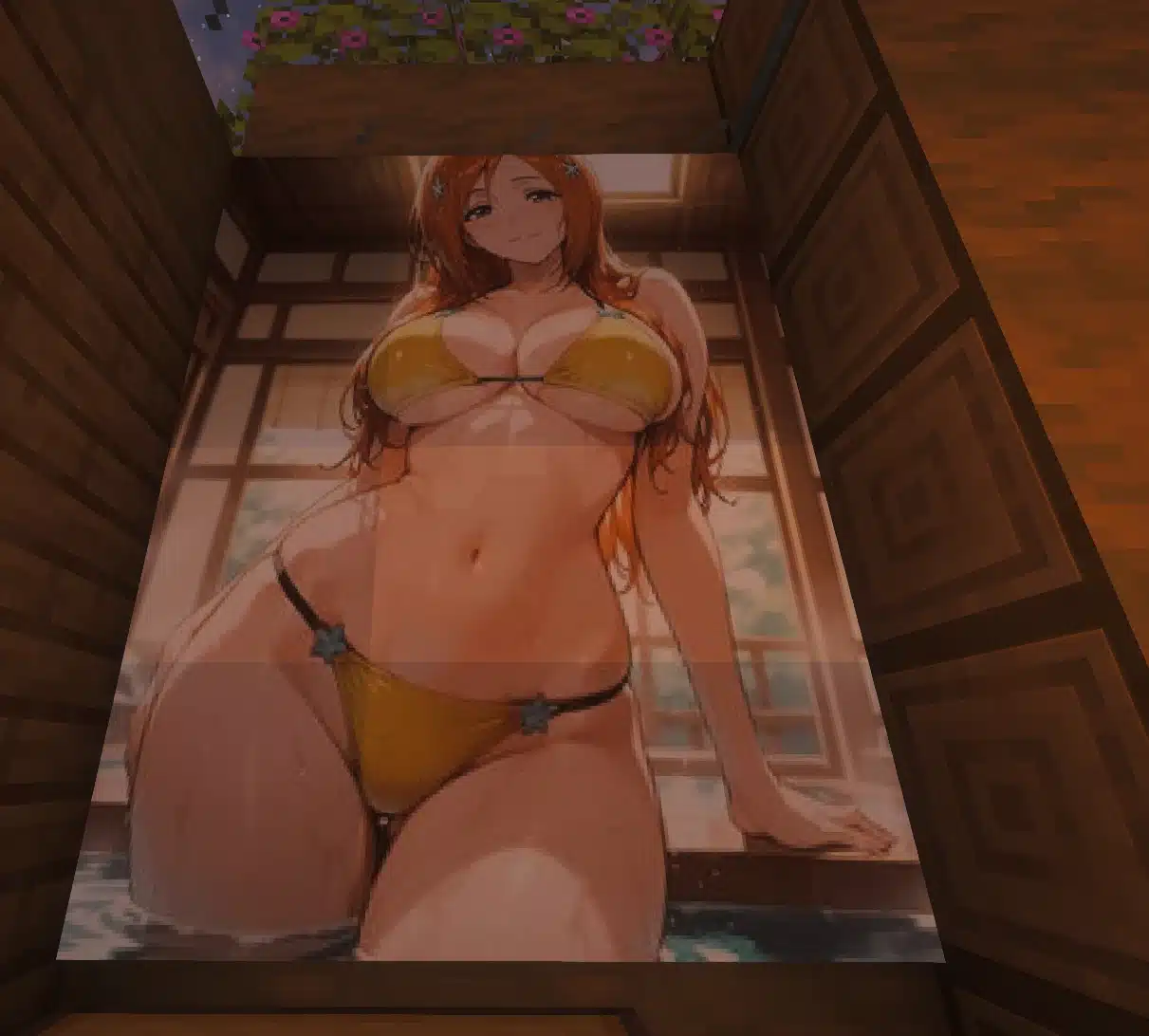
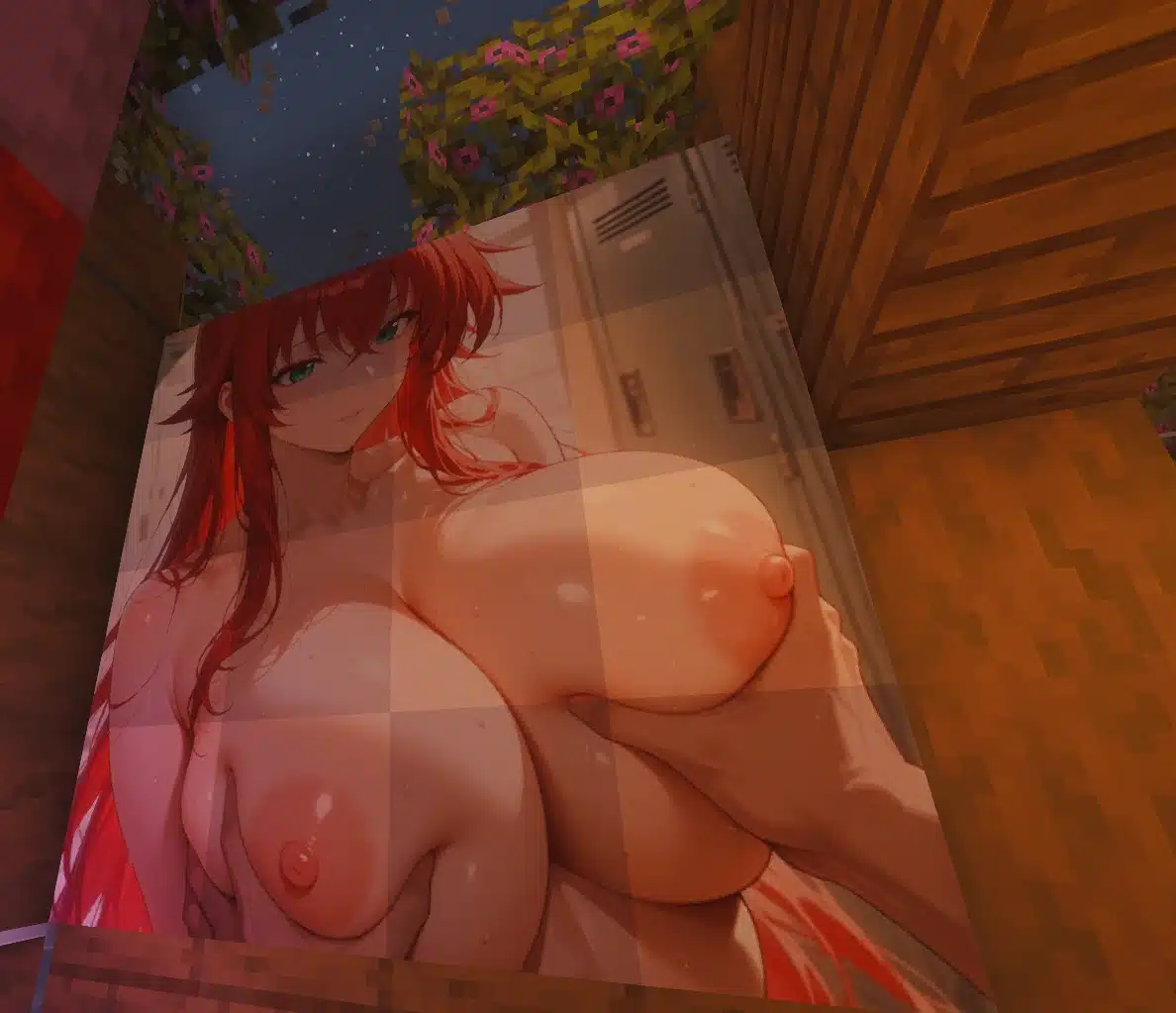
That’s exactly what Sexy Waifus of All Kinds is for: an 18+ texture pack that replaces multiple in-game paintings with adult-oriented images inspired by popular franchises, including anime and gaming icons.

Quick Facts
Mod name: Sexy Waifus of all kinds
Game: Minecraft
Mod type: Texture pack / resource pack
What it replaces: Paintings (multiple)
Content rating: 18+ / adult-oriented visuals
Install difficulty: Easy
Works with: Most Minecraft versions that support resource packs (varies by file format)
Multiplayer: Client-side only (you’ll only see it unless server forces packs)
What This Texture Pack Does (And Doesn’t)
Let’s keep it simple, because Minecraft mod pages often don’t.
What it does
- Replaces several Minecraft paintings with adult-themed images
- Includes art inspired by multiple franchises (anime + games)
- Uses the painting system, meaning it naturally works as “wall décor”
What it doesn’t do
- Does not add new gameplay
- Does not add mobs, items, NPCs, or structures
- Does not change shaders, lighting, or performance
- Does not add “new paintings” — it replaces existing ones
Install TL;DR
- Download the file from Nexus
- Move it into your Minecraft
resourcepacksfolder - Enable it under Options → Resource Packs
- Load into a world and place paintings to preview the new artwork
Installation Guide (Step-by-Step)
1) Download the pack
2) Put it in your resourcepacks folder
On Windows, the folder is usually:
C:\Users\YOURNAME\AppData\Roaming\.minecraft\resourcepacks
(You can also open it quickly from inside Minecraft: Options → Resource Packs → Open Pack Folder)
3) Enable it in Minecraft
- Launch Minecraft
- Go to Options → Resource Packs
- Move the pack from “Available” to “Selected”
- Click Done
4) Test it in-game
Place paintings and cycle them until you see the swapped art.
Compatibility Notes
This mod is a resource pack, so compatibility is usually good — but there are still a few things to keep in mind.
Works best with
✅ Vanilla Minecraft (resource packs enabled)
✅ Forge/Fabric setups (since it’s only textures)
✅ Most shader packs (visuals may look different depending on lighting)
Possible issues
⚠️ Other painting packs will conflict (last loaded pack wins)
⚠️ Some versions require specific resource pack formats
⚠️ Servers may override your resource pack settings
Pro tip: If you use multiple packs, put this one higher priority in the Resource Pack list.
Common Problems (And Fixes)
The paintings don’t change at all
Fix:
- Make sure the pack is enabled in Selected Resource Packs
- Confirm it’s in the
resourcepacksfolder (notmods) - Restart Minecraft after enabling
Paintings look glitched / wrong scaling
Fix:
- You may be using a pack made for a different Minecraft version
- Try switching Minecraft versions or using the correct pack format
It conflicts with another texture pack
Fix:
- Disable other painting packs
- Or move this pack above them in priority
Multiplayer: other players don’t see it
Normal behavior. Resource packs are typically client-side only unless forced server-side.
Recommended Internal Links (Minecraft Mod Cluster)
If you’re building a Minecraft mod section on SWTORStrategies (and honestly… why not), these are great related posts to keep readers clicking:
- If you’re looking for another adult-themed resource/visual mod:
Minecraft Slime Sex Animation for Jenny Mod - A more “meme meets modding” option with texture swaps:
Minecraft XXX Ore Textures Mod Guide
FAQ
Is Sexy Waifus of All Kinds a mod or a texture pack?
It’s a texture pack (resource pack) that replaces paintings.
Does it affect gameplay?
No — it’s visual-only.
Do I need Forge or Fabric?
No. Resource packs work on their own.
Can I uninstall it easily?
Yes — disable it in Resource Packs or remove the file from your resourcepacks folder.
Conclusion: The Most “Not Vanilla” Painting Pack You’ll Ever Hang
If you’ve been playing Minecraft long enough, you eventually start decorating bases for the fun of it.
And Sexy Waifus of All Kinds is basically a “wall art overhaul” for players who want their builds to feel a little less medieval tavern… and a little more degenerate gamer apartment energy.
It’s easy to install, easy to remove, and doesn’t mess with performance — which is exactly what you want from a painting replacement pack.
Stay connected with the galaxy’s latest updates!
Follow us on X, Facebook, Instagram, or Pinterest for exclusive content, mod guides, Star Wars gaming news, and more. Your support helps keep the Holonet alive—one click at a time.
Author
Related Posts

Andor Wins Rotten Tomatoes’ Golden Tomato Award for Best TV Series of 2025-
5 Years Ago Today, Ubisoft Announced an Open-World Star Wars Game — and It Became Star Wars Outlaws -
Star Wars Outlaws Is Now on Xbox Game Pass Ultimate and PC Game Pass -
Hayden Christensen Reveals He Wore Wigs While Playing Anakin in Revenge of the Sith




-
Why Star Wars Fans Argue About Canon More Than Any Other Fandom
Star Wars: Galaxy of Heroes Adjusts Datacron Release Schedule — Monthly Sets, 3-Month Lifespan, Lower Complexity
Hasbro Star Wars Fanstream Reveals New Black Series and Vintage Collection Figures (Scar Squadron Returns)-
Hayden Christensen Says Robert De Niro Visited the Revenge of the Sith Set During the Mustafar Duel