
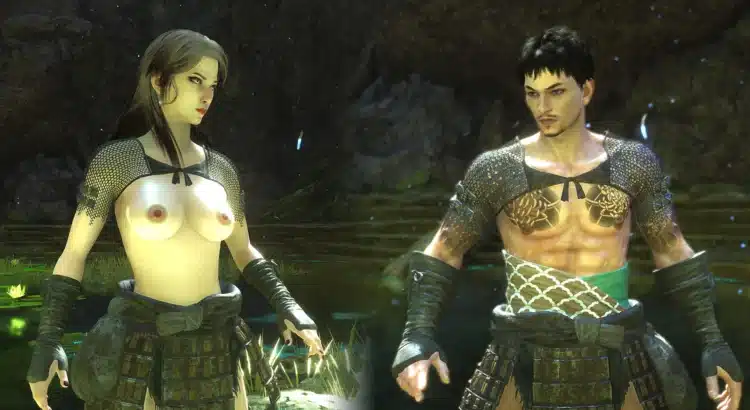
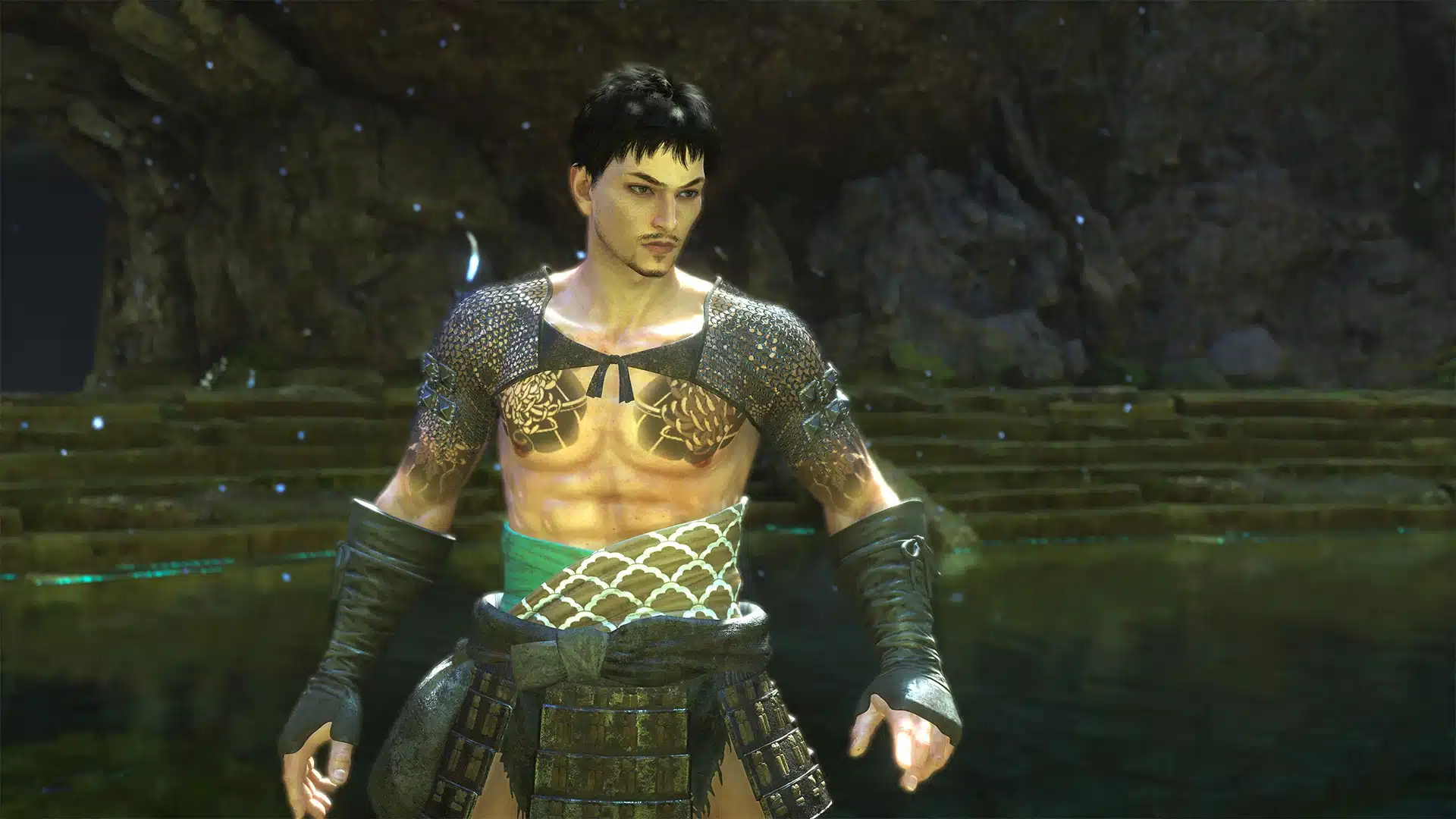
If you’re already diving into the growing mod scene for Nioh 3, here’s another addition that proves the community isn’t wasting any time pushing customization options further. The Skimpy Ferryman’s Robes – NSFW mod offers a stripped-down visual overhaul of one of the game’s more recognizable outfits, giving players a sleeker and more revealing alternative for their character.
Whether you’re experimenting with early Nioh 3 mods or just looking to customize your warrior’s look, this one is a simple but effective addition to your load order.
What the Skimpy Ferryman’s Robes Mod Changes
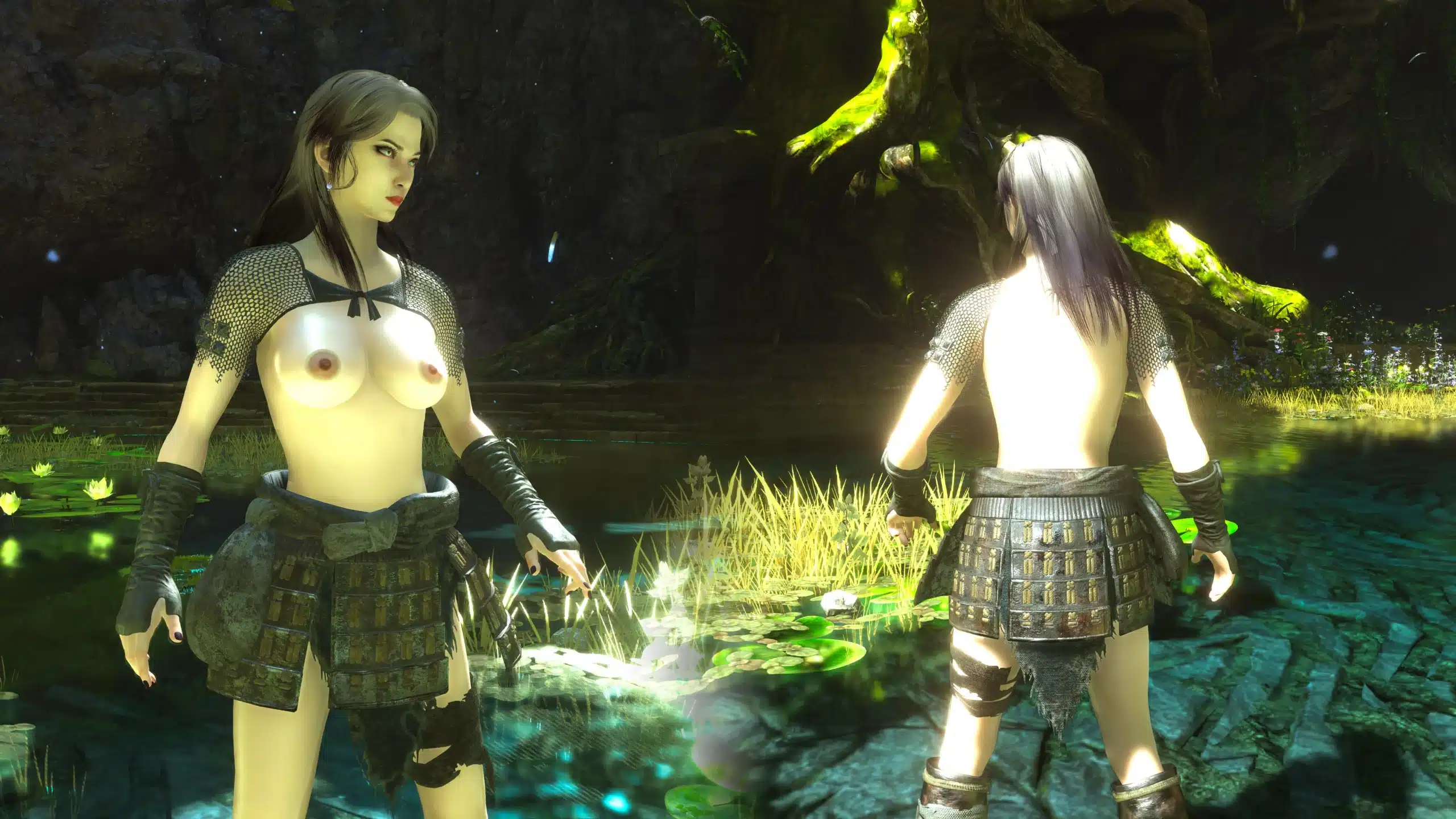
This mod introduces a skimpy version of the Ferryman’s Robes by removing the cape and several extra armor elements. The result is a cleaner and more minimal outfit design that focuses on a lighter, stylized look rather than bulky layered gear.
Key features include:
- Skimpy redesign of the Ferryman’s Robes
- Removes cape and extra clothing elements
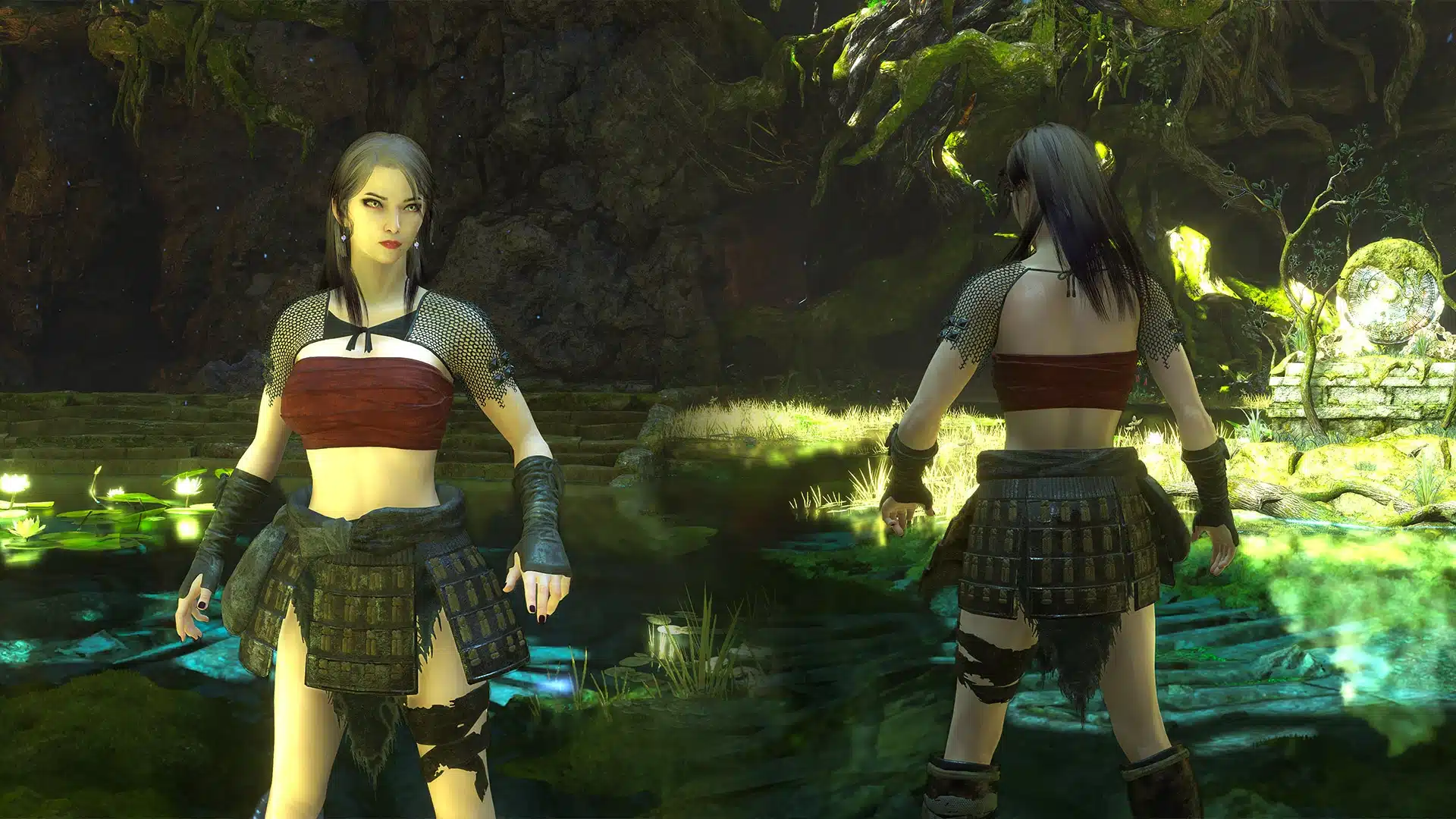
- Includes Type 1 and Type 2 body versions
- Both versions can be installed simultaneously
- Designed as a lightweight visual-only replacement
It’s described by the creator as a quick personal test to explore Nioh 3 modding tools — but even as a test project, it’s polished enough to feel like a proper cosmetic upgrade.
Compatibility with Other Nioh 3 Mods
One of the standout details is compatibility with other popular character mods.
The Type 2 version works with jmedia’s nude body mod, meaning players running a fully customized character setup can easily integrate this outfit overhaul into their existing mod collection.
If you’re already experimenting with character customization in Nioh 3, this makes it easy to mix and match for a fully personalized look.
Compatible with:
- Type 2 body supports external nude body mods
- Can run Type 1 and Type 2 together
- Works as a visual replacement without affecting gameplay
Because it’s purely cosmetic, it shouldn’t interfere with gameplay systems or balance.
Installation Guide
Installing the Skimpy Ferryman’s Robes mod is straightforward once you’ve got the basic Nioh 3 modding tools ready.
Installation steps:
- Choose which version(s) you want (Type 1, Type 2, or both).
- Copy files from the selected package folder into your Nioh3/package folder.
- Download the required mod tool (yumia_mod_insert_into_rdb.exe).
- Place the tool inside your Nioh3/package folder.
- Run the executable from that folder.
- Launch the game and enjoy the updated outfit.
The tool will automatically create backup files during installation, making it safe to experiment without risking permanent changes.
How to Uninstall
If you decide to remove the mod later, the process is just as easy:
- Delete root.rdb and root.rdx
- Rename backup files:
- root.rdb.original → root.rdb
- root.rdx.original → root.rdx
That restores your game to its original state.

A Small Mod That Shows Big Potential
While this started as a personal test by the creator, it’s another sign that Nioh 3’s modding scene is already taking shape. Outfit tweaks, body replacements, and visual customization are often the first steps in a game’s modding evolution — and from here, things usually scale fast.
If you enjoy experimenting with character visuals or building a custom mod setup, the Skimpy Ferryman’s Robes mod is a quick and easy addition that fits nicely into a growing Nioh 3 mod library.
And if this is just the beginning of what modders are testing, the future of Nioh 3 modding is looking very interesting indeed.
Stay connected with the galaxy’s latest updates!
Follow us on X, Facebook, Instagram, bsky or Pinterest for exclusive content, mod guides, Star Wars gaming news, and more. Your support helps keep the Holonet alive—one click at a time.
Author

Related Posts

Robert Duvall, George Lucas’ First Leading Man, Has Passed Away at 95
Bobby Moynihan Teases Possible Return of Jedi Bob in Future Star Wars Project
Star Wars: Galactic Racer Interview Reveals Story Mode, New Mechanics, and Why It’s Not Open World
Star Wars: Empire at War Released 20 Years Ago Today — Still One of the Greatest Star Wars Strategy Games Ever